MTSS Meeting Agenda Template (40-Minute Structure)
A copyable 40-minute MTSS meeting agenda with team roles, a data review section and an action list that turns every decision into a dated task.

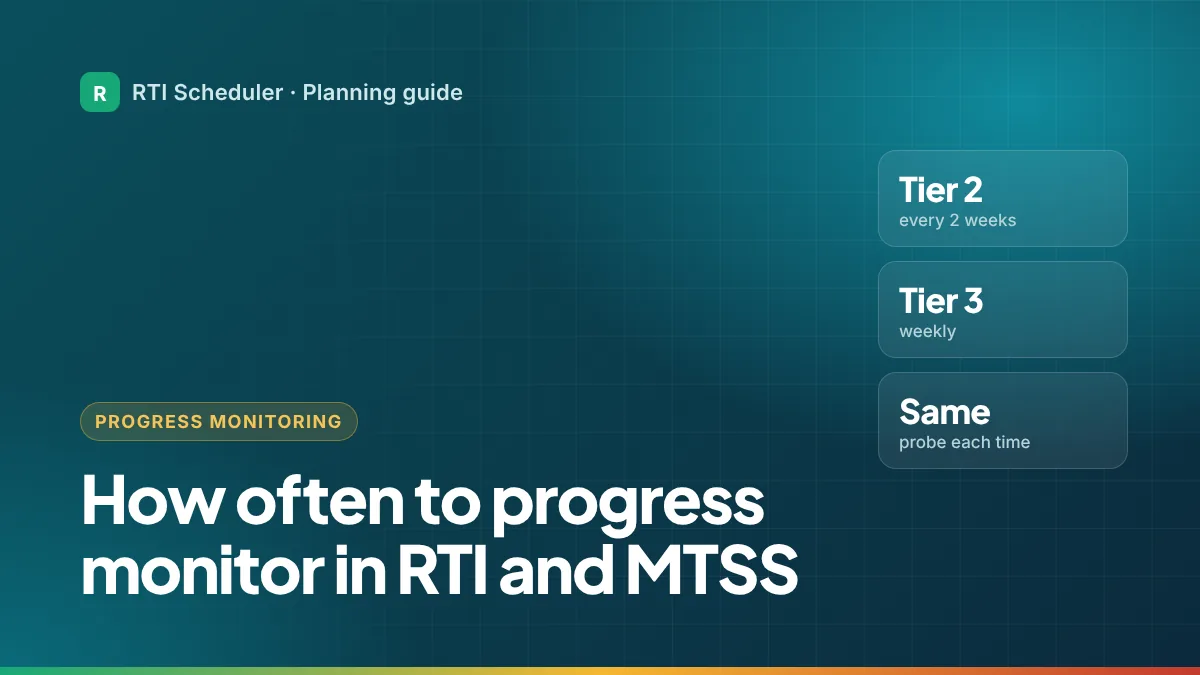
Progress monitoring means measuring the same skill again and again over time, so a team can see whether an intervention is working. The Center on Multi-Tiered System of Supports calls for data collection at least every two weeks at Tier 2 and at least every week at Tier 3. This guide explains what that looks like in a real week, how to fit it into your schedule, and what to do with the results.
| Tier | How often to progress monitor | Source |
|---|---|---|
| Tier 1 (core) | Universal screening, usually a few times a year | Your school’s screening calendar |
| Tier 2 | At least every two weeks | Center on MTSS |
| Tier 3 | At least weekly | Center on MTSS |
Source: Center on Multi-Tiered System of Supports, What Is Progress Monitoring? (PDF). The IRIS Center’s Tier 3 guidance also describes monitoring progress weekly (Effective Instruction at Tier 3).
The Center on MTSS defines progress monitoring as “the repeated measurement of student performance over time.” The key word is repeated: one test tells you where a student is; a series of short, comparable checks tells you whether they’re moving.
Teams make big decisions from progress monitoring data: keep going, change the intervention, move a student to more intensive support, or step support down. Those decisions need enough data points to see a trend. If you only check once a month, it takes months to see a pattern, and a student can spend a whole term in an intervention that isn’t helping.
Checking more often at Tier 3 makes sense for the same reason. Students in Tier 3 have the most need and the most intensive support, so the team needs to know quickly whether it’s working.
Most progress monitoring probes are short, often a few minutes per student. The challenge isn’t the time, it’s remembering to do it on schedule. Here’s one way an interventionist might fit it in, with group labels instead of names:
| Day | Task | Notes |
|---|---|---|
| Monday | T3 – Phonics session + weekly probe (Library table) | Probe in the last 5 minutes |
| Tuesday | T2 – Reading fluency group A | Teaching only |
| Thursday (every other week) | T2 – Reading fluency group A + biweekly probe | Alternate weeks with group B |
| Thursday (other weeks) | T2 – Reading fluency group B + biweekly probe | |
| Friday | Follow-up – enter probe scores in the school system | Same week, every week |
Staggering Tier 2 groups across alternate weeks spreads the work evenly, so you never have to probe every group in the same week.
Scores themselves belong in your school’s approved system, not in a planner. See what goes where.
Progress monitoring only helps if someone looks at it. Most teams review graphs at regular data meetings and use agreed decision rules. Before each meeting, add a prep task to review your groups’ graphs in the approved system, and write down any questions without student names. After the meeting, turn decisions into dated tasks; this guide shows how.
Usually a short, standardized probe designed to be given often, such as a timed reading fluency passage or a math computation probe. Your school or district decides which tools to use. The National Center on Intensive Intervention publishes reviews of tools if your team is choosing one.
No. Screening checks every student a few times a year to find who may need support. Progress monitoring tracks students who are already receiving intervention, much more often.
The IRIS Center recommends a round of at least 10 to 12 weeks of Tier 2 before judging progress. Read how long Tier 2 sessions should be for the full numbers.
Add the sessions and prep tasks from this guide to the free RTI Scheduler. No signup needed to start.
Start SchedulingA copyable 40-minute MTSS meeting agenda with team roles, a data review section and an action list that turns every decision into a dated task.
Tier 3 intervention usually runs daily for 40 to 60 minutes in groups of three or fewer. Where schools find the time, a sample day and how to protect it.
Tier 2 groups usually have 3 to 5 students and meet 3 to 5 times a week for 30 to 45 minutes over 10 to 12 weeks. How to turn that into a schedule.