How Long Should Tier 2 Intervention Sessions Be?
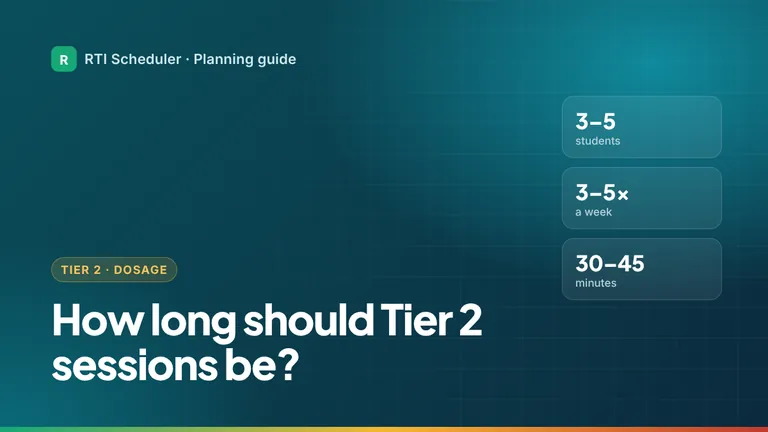
Tier 2 groups usually have 3 to 5 students and meet 3 to 5 times a week for 30 to 45 minutes over 10 to 12 weeks. How to turn that into a schedule.
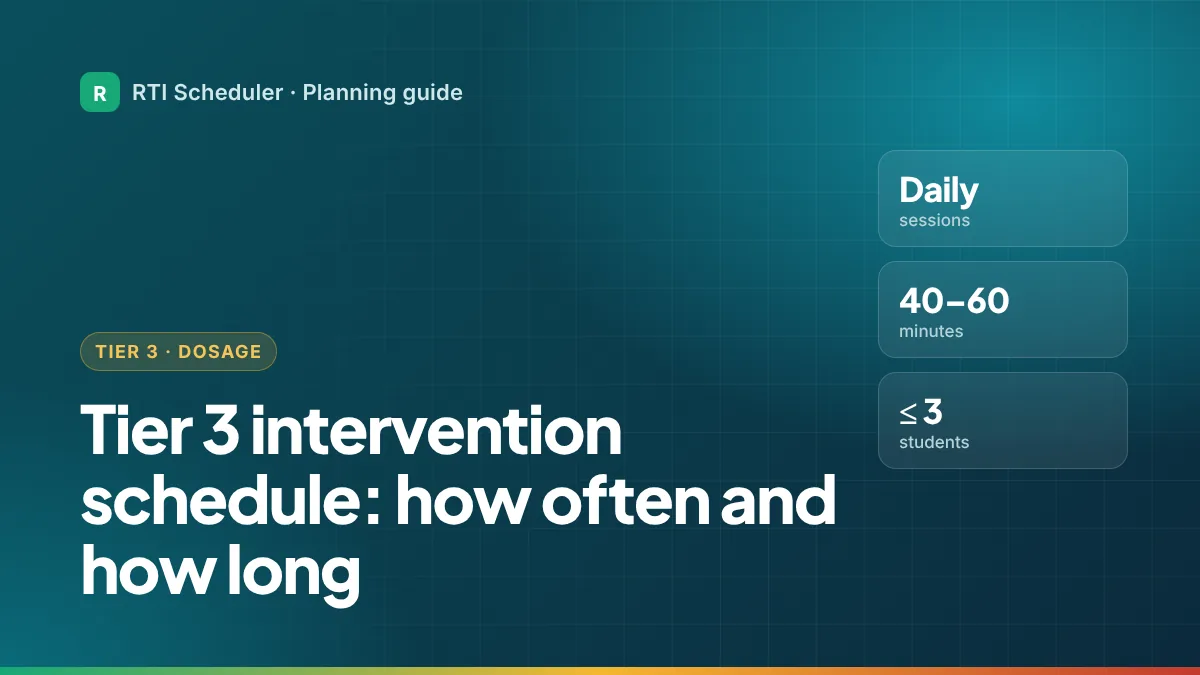
Tier 3 is the most intensive level of RTI and MTSS support, so it needs the most protected time. The IRIS Center describes Tier 3 as daily sessions of about 40 to 60 minutes, depending on the student’s age, in very small groups with no more than one teacher to three students. Some schools split that into two shorter sessions a day. This guide shows how to fit that much time into a real school day, and how to keep it from slipping.
| Tier 2 | Tier 3 | |
|---|---|---|
| Group size | 3 to 5 students | No more than 3 students per teacher |
| How often | 3 to 5 times a week | Daily |
| Session length | At least 30 to 45 minutes | About 40 to 60 minutes, or two shorter sessions |
| How long it lasts | Rounds of at least 10 to 12 weeks | Can last several semesters or longer |
| Progress monitoring | At least every two weeks | At least weekly |
Sources: IRIS Center, Effective Instruction at Tier 2 and Effective Instruction at Tier 3; Center on MTSS, What Is Progress Monitoring? (PDF). Your school team sets the actual plan for each student.
Finding 40 to 60 minutes a day for a handful of students is hard. Schools usually combine several of these:
What schools try hard to avoid is taking Tier 3 time out of core reading or math. Students with the greatest need still need core instruction.
An example only, for one interventionist supporting a small Tier 3 reading group with a split-session plan. Group labels keep it privacy-safe.
| Time | Task | Priority |
|---|---|---|
| 8:00 AM | Prep – set out decoding materials for T3 group | High |
| 9:00 AM | T3 – Decoding session, part 1 (Reading room, 20 min) | High |
| 9:25 AM | T2 – Fluency group A (Room 12) | High |
| 1:30 PM | T3 – Decoding session, part 2 (Reading room, 20 min) | High |
| 1:55 PM | Follow-up – log both T3 sessions in school system | Medium |
| Friday 1:30 PM | T3 – Session part 2 + weekly probe | High |
Not necessarily. In many schools Tier 3 is intensive intervention that any student can receive, and some students in Tier 3 also have IEPs. How Tier 3 and special education connect depends on your state and district.
Yes. The IRIS Center describes a ratio of no more than 1:3, so one-to-one sessions fit within that.
Talk with your team about the options above, especially split sessions and extended day. Before adding time, it can also help to make existing sessions more intensive; the guide to finding time for intervention lists practical ways.
Add the sessions and prep tasks from this guide to the free RTI Scheduler. No signup needed to start.
Start SchedulingTier 2 groups usually have 3 to 5 students and meet 3 to 5 times a week for 30 to 45 minutes over 10 to 12 weeks. How to turn that into a schedule.
Progress monitor at least every two weeks at Tier 2 and weekly at Tier 3. How to fit probes into your week, enter data on time and use it at meetings.
WIN time is a daily “What I Need” block where every student gets intervention, practice or enrichment. How it works, how to set it up and common fixes.