Turning Intervention Meeting Notes into Action Tasks
Convert RTI and MTSS team meeting decisions into dated, privacy-safe action tasks with owners, priorities and follow-up dates you will actually see.

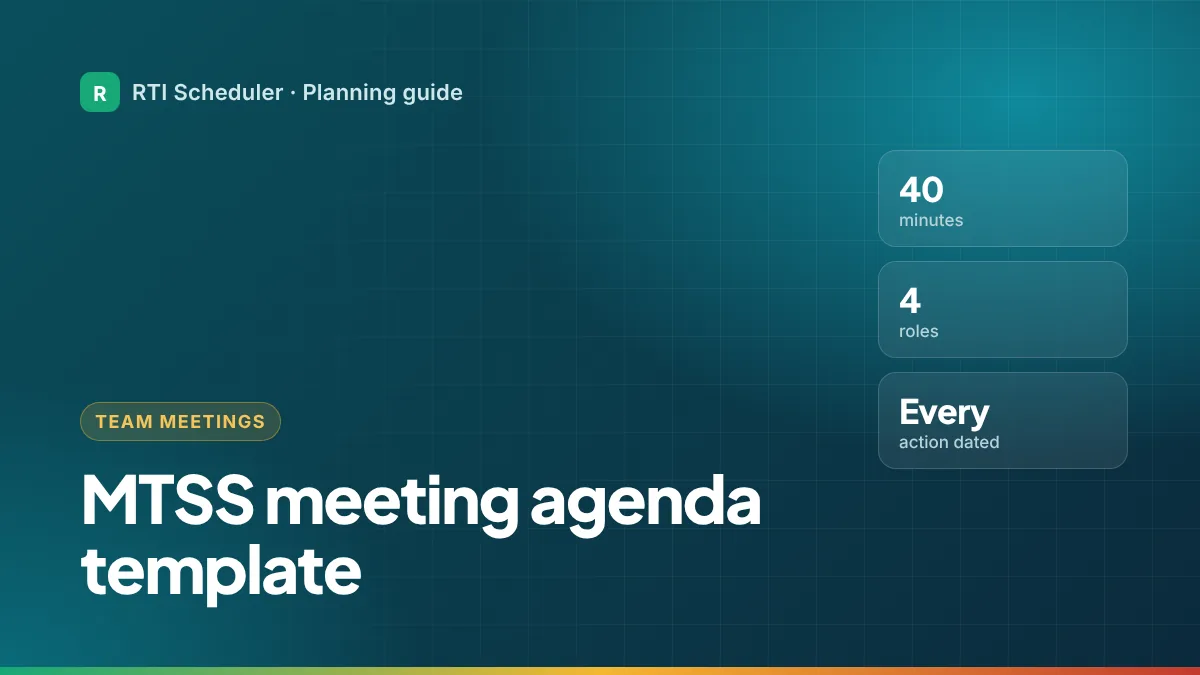
A good MTSS meeting ends with clear decisions, an owner for each action, and a date by which it happens. The agenda below is built for that: a 40-minute structure you can copy, with assigned roles and a closing step that turns decisions into dated tasks. It follows the Center on MTSS’s advice that teams use agendas with clear steps and outcomes, assign roles such as facilitator, notetaker and data coordinator, and protect regular meeting time.
| Role | What they do |
|---|---|
| Facilitator | Runs the agenda, keeps discussion on the data and the decision |
| Notetaker | Records decisions and actions in the school’s approved system |
| Data coordinator | Prepares graphs and reports before the meeting |
| Timekeeper | Keeps each section to its time |
Facilitator, notetaker and data coordinator roles, and the advice to name backups, come from the Center on MTSS tip sheet on teaming structures (PDF). Name a backup for each role so meetings still run when someone is out.
| Time | Section | What happens |
|---|---|---|
| 0–3 min | Opening | Purpose of today’s meeting, norms, roles confirmed |
| 3–8 min | Follow-up from last time | Were last meeting’s actions done? Quick yes or no for each |
| 8–28 min | Data review and decisions | Review groups or students against the team’s decision rules; decide continue, change, intensify or fade |
| 28–35 min | Scheduling and resources | Group changes, staff and time needed, any schedule conflicts |
| 35–40 min | Action list | Read back every action with owner and date; confirm next meeting |
If your team has more than one purpose, the Center on MTSS suggests rotating agendas, for example Tier 1 one week and Tier 2 decisions the next, rather than cramming everything into every meeting.
Teams often make good decisions and then lose them. An action that’s only in the minutes rarely happens on time. Close every meeting by turning each decision into something like this:
| Action | Owner | By |
|---|---|---|
| Start new T2 math group B (Room 8) | Math interventionist | Monday |
| Move reading group A to 10:05 for travel time | Reading specialist | Tomorrow |
| Share group change with Grade 3 teachers | Grade 3 lead | Wednesday |
| Bring updated graphs for group C | Data coordinator | Next meeting |
Then each owner puts their own actions into their planner as dated tasks, the same day. Our guide to turning meeting notes into action tasks walks through it.
In RTI Scheduler, add the meeting itself and repeat it weekly or every other week, then add a prep task the day before: “Prep – review group graphs for MTSS meeting”.
Often enough to act on progress monitoring data while it’s fresh. Many schools meet weekly or every other week; the Center on MTSS emphasizes regular, protected meeting time rather than a specific number. Your school sets the rhythm.
The Center on MTSS suggests including administrators, general and special educators, and family and community input. Grade-level teams often also invite the interventionists who deliver the sessions.
Follow your school’s rules. Agendas and minutes about specific students are usually education records and belong in the approved system. Personal planner tasks should stay general; see safe planning notes.
Add the sessions and prep tasks from this guide to the free RTI Scheduler. No signup needed to start.
Start SchedulingConvert RTI and MTSS team meeting decisions into dated, privacy-safe action tasks with owners, priorities and follow-up dates you will actually see.
Progress monitor at least every two weeks at Tier 2 and weekly at Tier 3. How to fit probes into your week, enter data on time and use it at meetings.
RTI focuses on academic support; MTSS is the wider framework that adds behavior, social-emotional needs and schoolwide systems. A plain comparison table.