RTI vs MTSS: What’s the Difference, and Why It Matters for Your Schedule
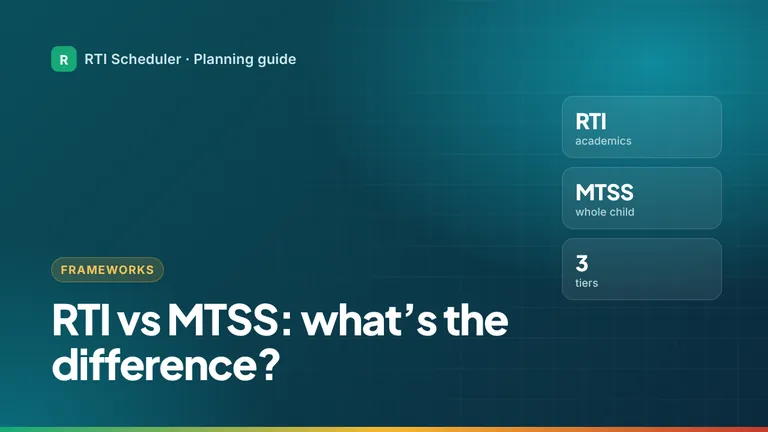
RTI focuses on academic support; MTSS is the wider framework that adds behavior, social-emotional needs and schoolwide systems. A plain comparison table.
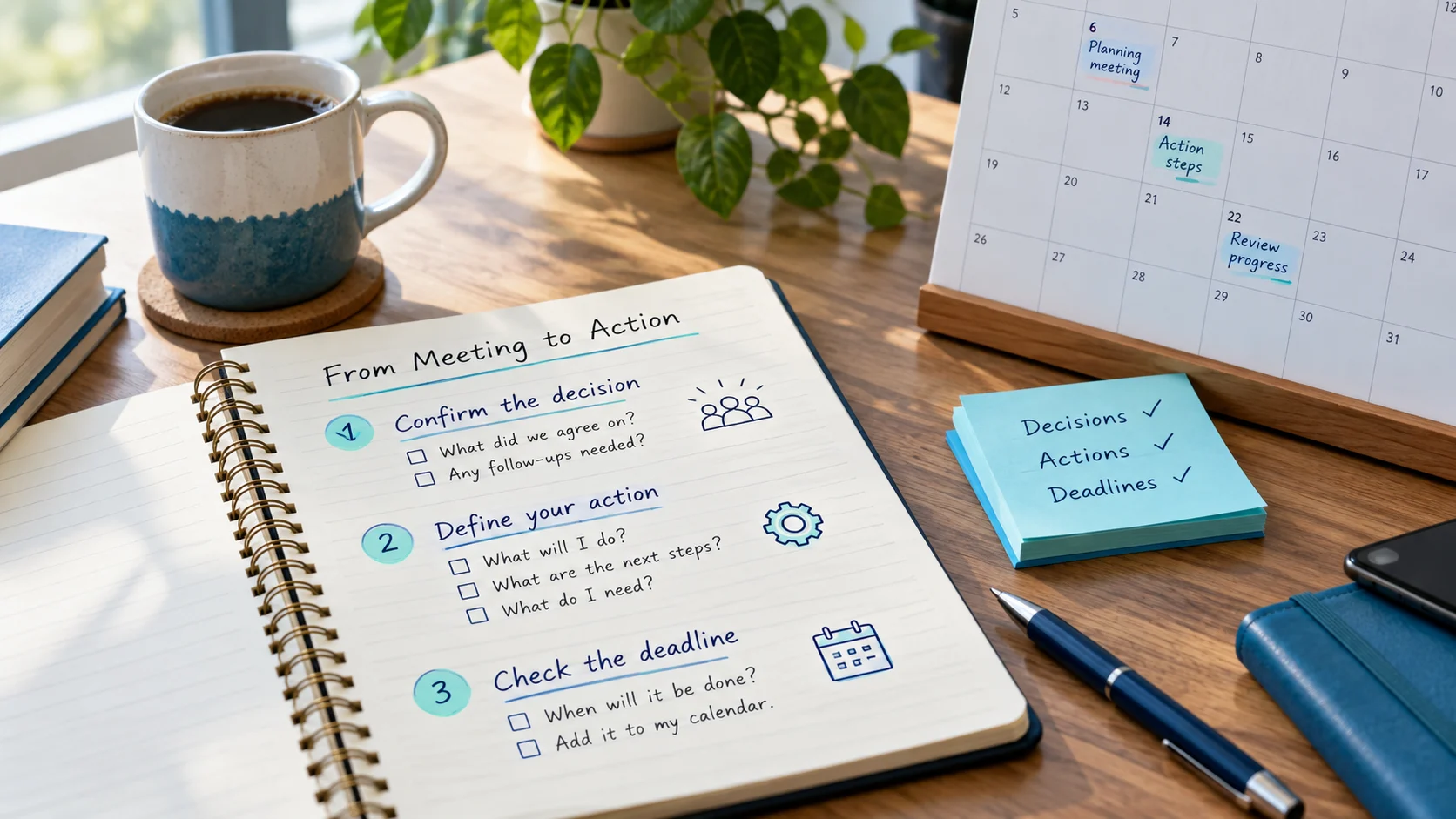
RTI and MTSS team meetings produce decisions: adjust a group, try a different strategy, share an update, gather more information. Then everyone goes back to class, and those decisions live in meeting notes that nobody reopens until the next meeting. The fix is simple: turn every decision into a dated action task before you leave the room.
Every action from a meeting needs three things:
Ownership is decided in the meeting. Your personal planner holds the actions that are yours.
| Meeting decision | Your action task | When |
|---|---|---|
| Group A will try a new fluency routine | Prep – plan new fluency routine for group A | Next day |
| Revisit group B’s schedule | Follow-up – propose new time for group B to team | Within 2 days |
| Share update with classroom teacher | Follow-up – update Room 12 teacher (school channel) | Same day |
| Bring more information next time | Prep – gather group data from school system for next meeting | 3 days before next meeting |
Notice that every task is written without student names. Details about individual students stay in the meeting record within your school’s approved system.
If you run the meeting, schedule its preparation too: agenda, data pulled from the approved system, a reminder to staff. Add a follow-up task the day after the meeting to send action summaries through your school’s usual channel.
Related: session follow-up planning · planner vs student records
New to the terms your team uses? RTI vs MTSS explains the difference in one table.
Need a structure for the meeting itself? Use this 40-minute MTSS meeting agenda template.
Add the sessions and prep tasks from this guide to the free RTI Scheduler. No signup needed to start.
Start SchedulingRTI focuses on academic support; MTSS is the wider framework that adds behavior, social-emotional needs and schoolwide systems. A plain comparison table.
Plan what happens after an intervention session: recording in the approved system, sharing updates, resetting materials and scheduling the next step.
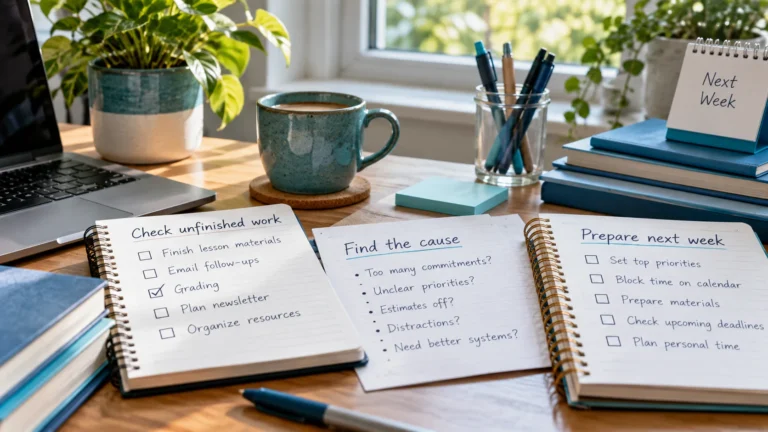
A short Friday routine for interventionists: check what was delivered, move missed sessions, prepare next week's tasks and clear finished items.