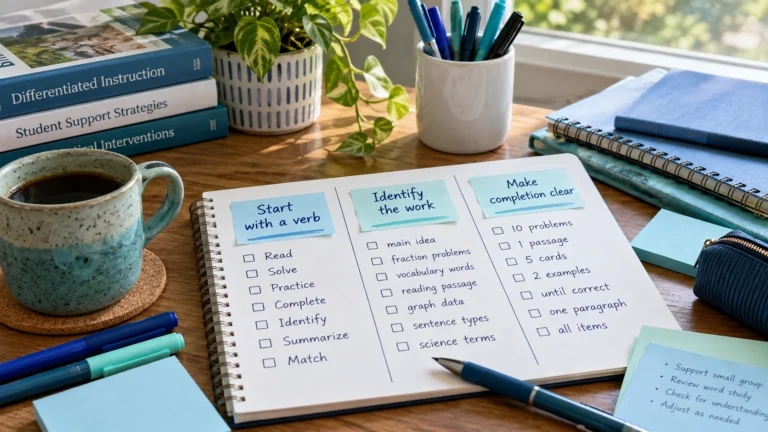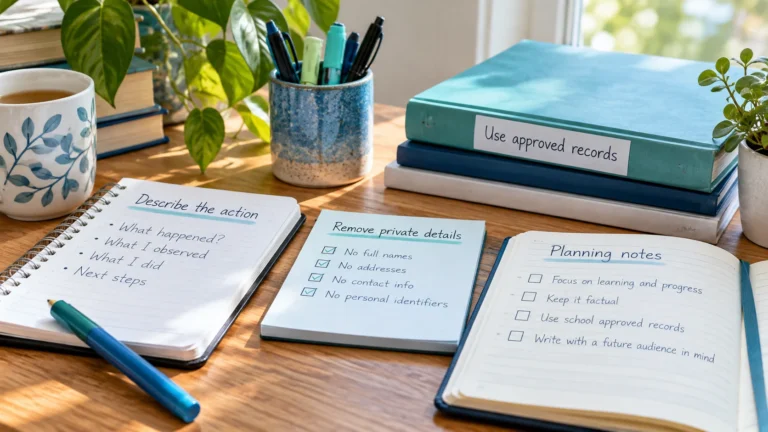
How to Write Safe Intervention Planning Notes
Write intervention planning notes that are useful to you but free of student names, scores and health details. Examples of safe and unsafe notes.

Educators juggle two very different kinds of information: what you need to do, and what is known about students. The first belongs in a personal planner. The second belongs in official records. Mixing them is one of the easiest privacy mistakes to make, and one of the easiest to avoid once you know where the line is.
| Personal planner | Student records | |
|---|---|---|
| Purpose | Organize your own time | Document students’ education and support |
| Contents | Tasks, times, places, reminders | Identities, data, decisions, services |
| Who sees it | Only you | Authorized staff and families |
| Rules | Your own good practice | FERPA, state law, district policy |
| Examples | RTI Scheduler, a paper planner | Student information system, MTSS platform |
Think of your planner as a pointer to the records system, never a copy of it. Your planner says when to do something; the records system holds what you need to know about the student. For example:
Before typing anything into a planner, ask: “Is this about my task, or about a student?” If it’s about a student, it belongs in the record. Write the planner task as an action that points there instead.
| Situation | In your planner | In the official record |
|---|---|---|
| A student in group A was absent | Follow-up – check attendance for group A | The absence and the missed session |
| Group B’s scores went up | Prep – bring group B question to MTSS meeting | The scores and the progress graph |
| A family asked for a call | Follow-up – family call (use school phone log) | Who called, when and what was discussed |
| The team moved a student to Tier 3 | Session times for the new Tier 3 group | The decision, the data behind it and the plan |
| You delivered 30 minutes today | Tick the session as done | Minutes delivered, if your school tracks them |
The pattern is always the same: the planner holds the action and the time, the record holds the facts about the student.
The same rule applies to any tool that isn’t your school’s approved system. A paper planner left in a staff room, a phone notes app or a spreadsheet shared with a personal account can all leak student details. Shared spreadsheets are the riskiest, because access settings change and files get copied. If a colleague needs to see group membership, point them to the approved system rather than sharing a file.
It’s safer not to. Phones get lost, screens get seen, and accounts get shared. Group labels like “T2 group A” work just as well once you get used to them.
Slightly, but it means you’re always looking at current data rather than an old copy. Many interventionists keep the approved system open in one tab and their planner in another.
Tutors and learning centers have their own privacy rules and contracts with families. The habit is still good practice: keep identities and results in the system families agreed to, and keep your planner general.
Related: safe intervention planning notes · Student Privacy and FERPA Notice
Add the sessions and prep tasks from this guide to the free RTI Scheduler. No signup needed to start.
Start SchedulingWrite intervention planning notes that are useful to you but free of student names, scores and health details. Examples of safe and unsafe notes.
Name intervention tasks so you recognize them instantly without exposing student details. Naming patterns for Tier 2, Tier 3, prep and follow-up.
Plan what happens after an intervention session: recording in the approved system, sharing updates, resetting materials and scheduling the next step.