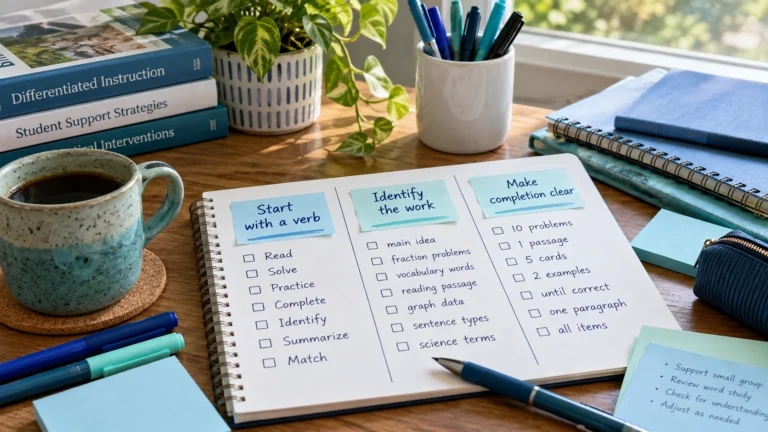
Intervention Task Naming: Clear, Privacy-Safe Labels
Name intervention tasks so you recognize them instantly without exposing student details. Naming patterns for Tier 2, Tier 3, prep and follow-up.
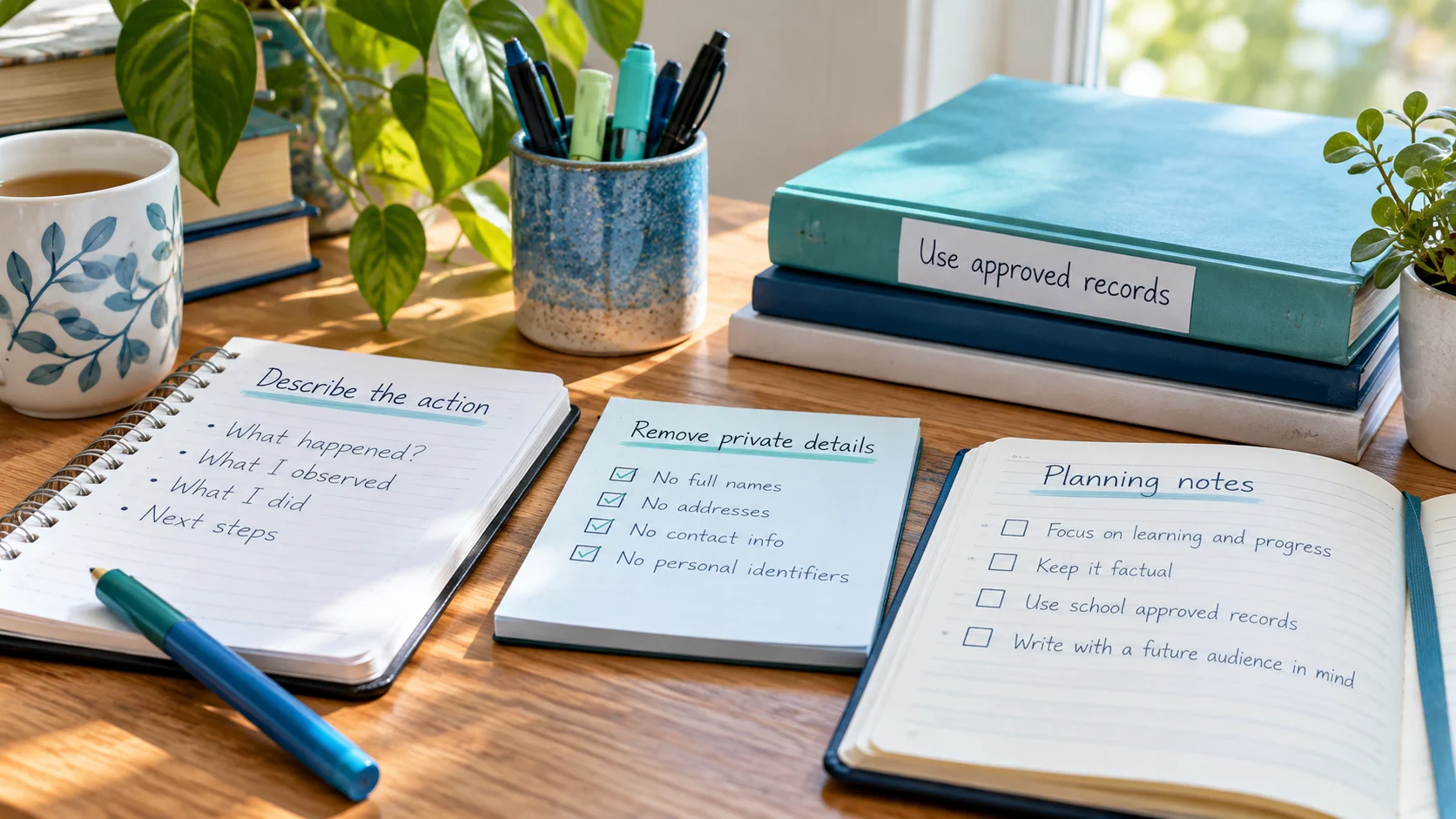
Planning notes are meant to help you remember what to do. They aren’t the place to record who a student is, how they scored or what support they receive. Those details are protected records with their own rules and systems. Here is how to write notes that are useful to you and safe to keep in a personal planner.
If a note would be uncomfortable to read aloud to colleagues who don’t work with that student, or to a visitor, it contains too much. A good planning note describes the task, not the child.
| Unsafe | Safe rewrite |
|---|---|
| A named student was absent, reschedule | Follow-up – check attendance in school system for group A |
| Two named students scored low, regroup | Prep – bring regrouping question to MTSS meeting |
| A named student needs a movement break, ADHD | T2 group B – plan short movement break |
| Call a named parent at their phone number | Follow-up – family call (use school phone log) |
In each case, the safe note still tells you exactly what to do. The detail you need is in the approved system, where it belongs.
A note can identify a student without a name. “The only Grade 4 student in Room 12 with a speech session” points to one child. Use group labels and keep descriptions general.
Student information is protected by laws such as FERPA and by your district’s data policies, which control where it can be stored and who can see it. A personal planner isn’t covered by your district’s agreements. Keeping notes general protects students, protects you, and means you can use the planner on any device without worry.
Edit or delete the task now. If the information belongs in an official record, add it to your school’s approved system instead.
Every one of these helps you run the session. None of them says anything about a particular child.
Usually, yes, as long as the rest of the note doesn’t narrow it down to one child. Avoid combining a group letter with details like grade, room and a unique service.
Write sub plans in the format and place your school requires. They often need more detail, and your school will have rules about where that detail can be stored.
Yes, if they’re about the group and the session: “Short movement break halfway through” is fine. A plan written for one named student belongs in the official record.
Related: personal planner vs student records · intervention task naming · Student Privacy and FERPA Notice
Add the sessions and prep tasks from this guide to the free RTI Scheduler. No signup needed to start.
Start SchedulingName intervention tasks so you recognize them instantly without exposing student details. Naming patterns for Tier 2, Tier 3, prep and follow-up.
Know the difference between your personal intervention planner and official student records, and which details belong in each to protect privacy.
Build a weekly RTI intervention schedule step by step: Tier 2 session lengths, WIN and flex blocks, prep, transitions and a sample week to copy.