Turning Intervention Meeting Notes into Action Tasks
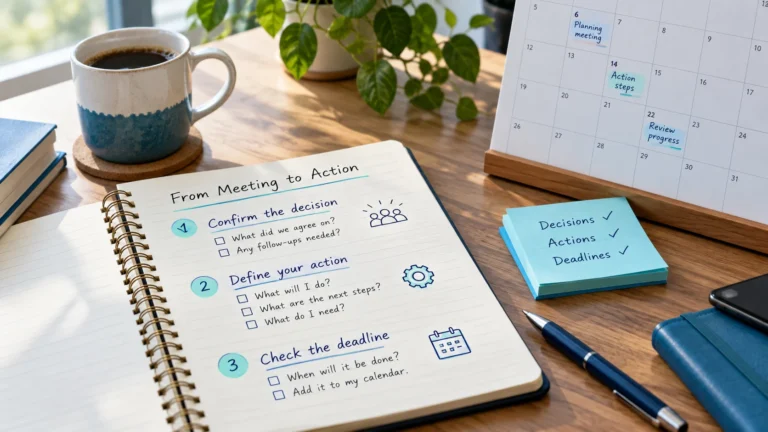
Convert RTI and MTSS team meeting decisions into dated, privacy-safe action tasks with owners, priorities and follow-up dates you will actually see.

An intervention session isn’t finished when the students leave. There’s usually something to record, something to reset and sometimes someone to update. When that follow-up isn’t planned, it piles up into an end-of-week backlog, or doesn’t happen at all. Scheduling follow-up as its own task keeps it small and keeps records accurate.
| Follow-up | Best timing |
|---|---|
| Record delivery | Same day, ideally right after the session block |
| Reset materials | Straight after, or before the next use |
| Update a colleague | Same day or next day |
| Adjust next session’s plan | Before that session’s prep task |
| Team questions | As prep for the next team meeting |
A short daily follow-up slot, such as at the end of your intervention block or just after lunch, is far more reliable than a long Friday catch-up. Details are fresh, the task is short, and it doesn’t compete with weekly planning.
Follow-up often involves student information, so it’s especially important that your planner task stays general. The task reminds you to record; the record itself goes in the approved system.
During the Friday review, look for follow-up tasks still open from the week. Finish them, reschedule them, or delete them if they’re no longer needed. Recording that has slipped should be caught up first, because accurate records matter for team decisions.
Related: turning meeting notes into action tasks · planner vs student records
Add the sessions and prep tasks from this guide to the free RTI Scheduler. No signup needed to start.
Start SchedulingConvert RTI and MTSS team meeting decisions into dated, privacy-safe action tasks with owners, priorities and follow-up dates you will actually see.
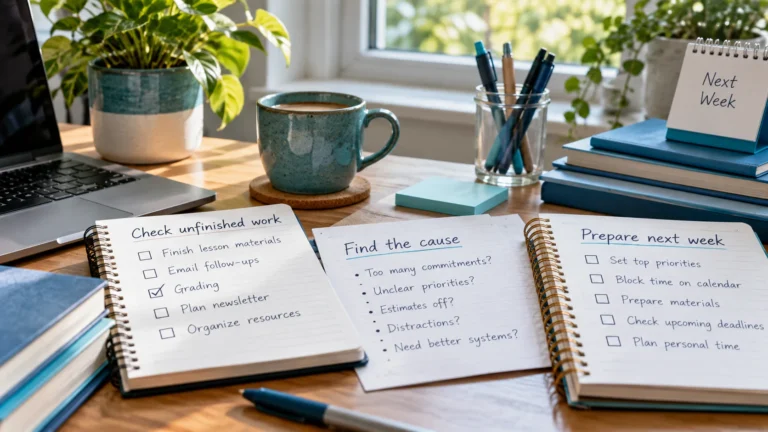
A short Friday routine for interventionists: check what was delivered, move missed sessions, prepare next week's tasks and clear finished items.
Know the difference between your personal intervention planner and official student records, and which details belong in each to protect privacy.