How to Write Safe Intervention Planning Notes
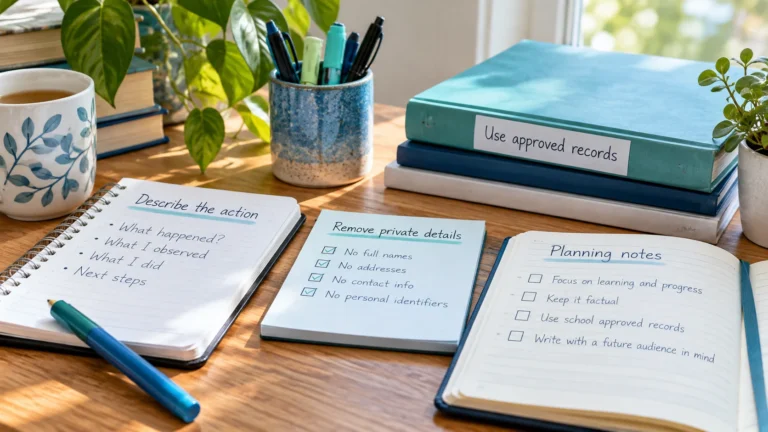
Write intervention planning notes that are useful to you but free of student names, scores and health details. Examples of safe and unsafe notes.
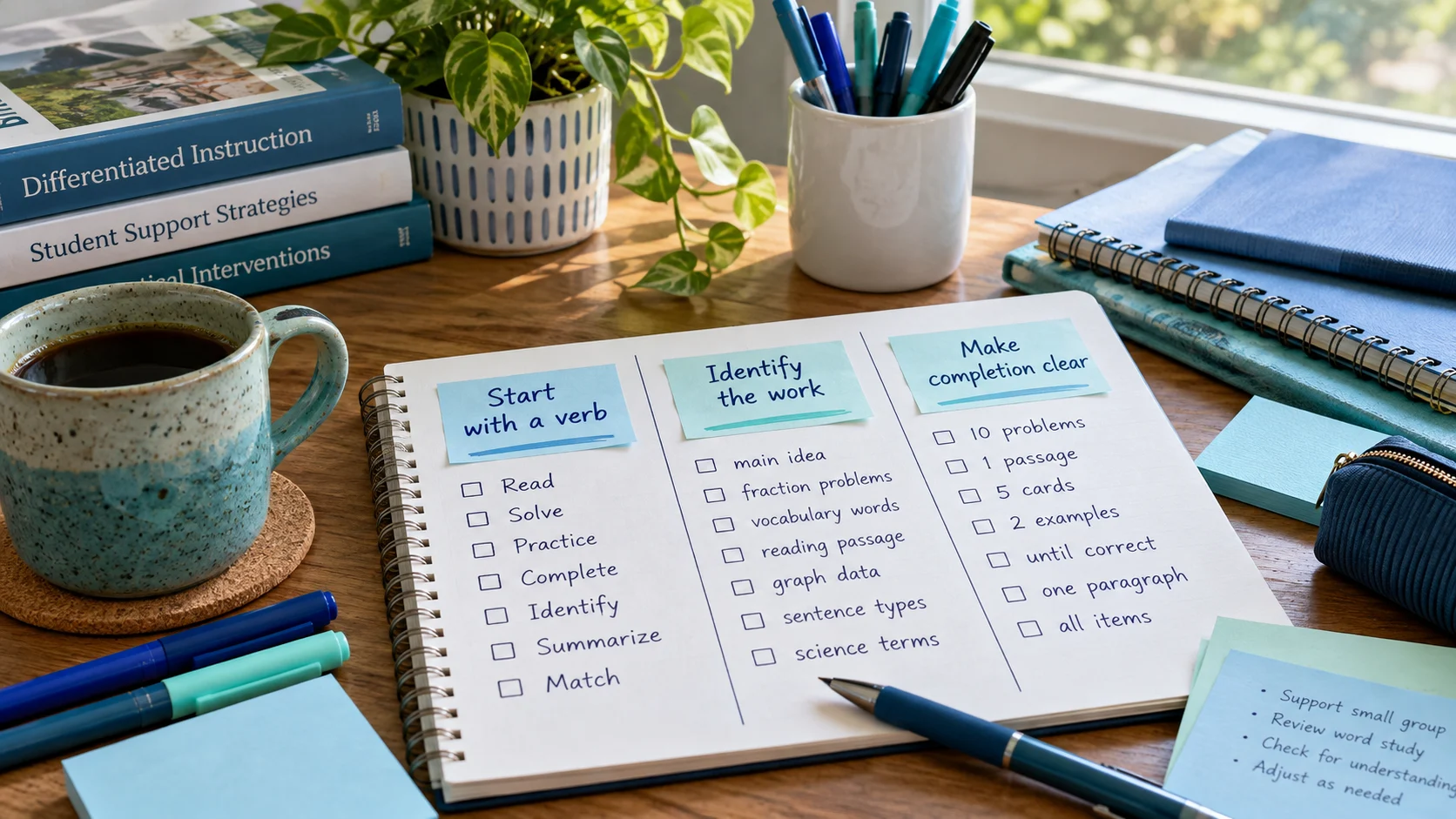
A task name has two jobs: tell you what to do at a glance, and reveal nothing about any student. Good names make a schedule faster to read and safer to keep. This guide gives you naming patterns you can reuse for sessions, preparation, meetings and follow-up.
| Task type | Pattern | Example |
|---|---|---|
| Tier 2 session | T2 – [focus] group [letter] ([place]) | T2 – Reading fluency group A (Room 12) |
| Tier 3 session | T3 – [focus] session ([place]) | T3 – Phonics session (Library table) |
| Preparation | Prep – [action] for [day] | Prep – copy passages for Wednesday |
| Meeting | [Meeting] – [what to bring] | MTSS team meeting – bring agenda items |
| Follow-up | Follow-up – [action] | Follow-up – log delivery in school system |
| Admin | Admin – [action] | Admin – reorganize shared materials folder |
When every task starts with T2, T3, Prep, Follow-up or Admin, your list becomes scannable. You can see at a glance whether the day is mostly sessions or mostly prep, and spot a session with no preparation before it.
Remember that a prefix is only text. Writing “T3” doesn’t make a task High priority or change the order of your list; you set priority separately.
| Avoid | Why | Instead |
|---|---|---|
| A student’s name or initials | Identifies a student | Group A, Group 2 |
| Scores or levels with a group | Becomes assessment data | T2 – Reading fluency group A |
| Diagnoses or services | Health or education record | Support session – Room 4 |
| Vague names like “Group” | Not useful later | T2 – Math facts group (Room 8) |
Watch for combinations that point to one child even without a name, such as “the new student in Room 12’s speech group”. If someone could work out who it is, rewrite it.
Keep names short and put extra reminders in the optional detail field: “Bring timer and word cards” or “Room may change, check with office.” The same privacy rules apply to notes. For more examples, read how to write safe intervention planning notes.
Add the sessions and prep tasks from this guide to the free RTI Scheduler. No signup needed to start.
Start SchedulingWrite intervention planning notes that are useful to you but free of student names, scores and health details. Examples of safe and unsafe notes.
How to choose sensible dates and local times for intervention sessions and prep tasks, plus what to check when a schedule change moves a session.
Free printable weekly intervention schedule template for teachers and interventionists, plus a simple method to plan sessions, prep and follow-up.