
Splitting Intervention Preparation into Smaller Tasks
Break big intervention prep jobs into small, dated tasks you can finish between classes. A method for making preparation fit into a real school day.
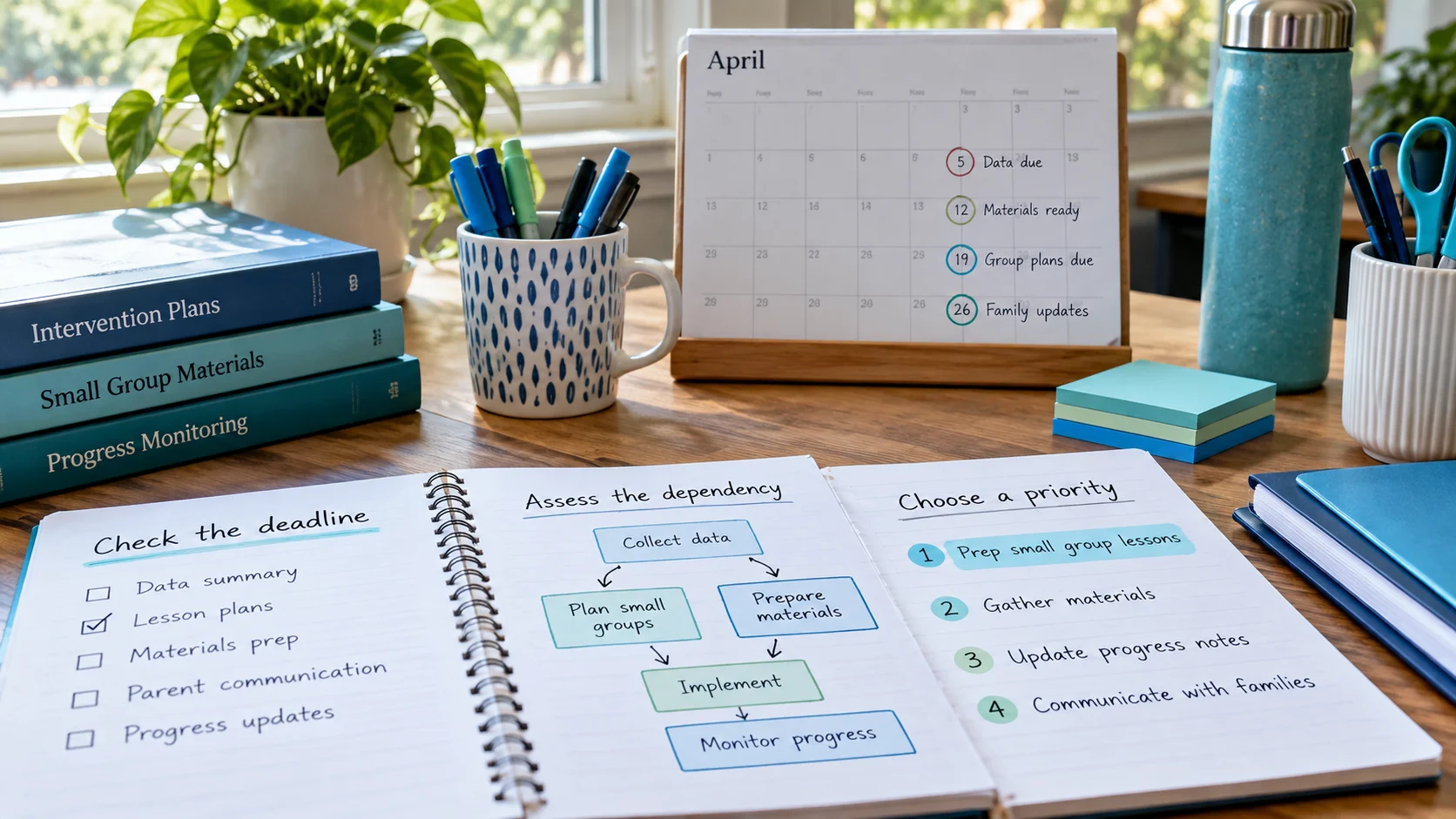
When everything feels urgent, nothing gets the attention it needs. Intervention preparation is especially vulnerable: it sits between sessions, meetings and classroom demands, and it’s the first thing to be pushed aside. A simple, consistent way of prioritizing prep tasks makes sure the work that sessions depend on actually happens.
| Priority | Prep tasks that fit |
|---|---|
| High | Materials needed for a session in the next one or two days; anything that blocks other prep, like choosing passages before copying; booking a space you must have |
| Medium | Prep for sessions later in the week; preparing for a team meeting; resetting materials you’ll reuse soon |
| Low | Organizing resources, labeling folders, building materials for future units, straightening shared spaces |
A Medium task for next Thursday becomes High by Tuesday. Make it part of your Friday review and Monday check to upgrade tasks whose deadlines are getting close. In RTI Scheduler, open the task, choose Edit and change the priority in seconds.
If more than a handful of tasks are High on any one day, the label stops meaning anything. When a day fills up with High tasks:
It’s tempting to make every Tier 3 task High and every Tier 2 task Medium. Resist that. A Tier 2 session tomorrow with no materials yet is more urgent than Tier 3 prep for next week. Priority is about urgency and dependency, not the intensity of the intervention.
Here’s an interventionist’s Tuesday with more prep than time. The priorities decide what happens and what moves.
| Task | Why | Priority | Decision |
|---|---|---|---|
| Prep – copy passages for Wednesday group A | Session tomorrow can’t run without it | High | Do before first session |
| Prep – choose Thursday’s math skill | Thursday copies depend on it | High | Do at lunch |
| Prep – questions for Wednesday team meeting | Useful, meeting can run without it | Medium | Do in a gap if possible |
| Prep – make new word cards for next unit | Unit starts in two weeks | Low | Move to Friday |
| Admin – sort phonics cards | No effect on students this week | Low | Move to next week |
Two High tasks is a manageable day. If you see five, some of them aren’t really High.
No. RTI Scheduler always lists tasks by date and time. Priority is a colored label that helps you decide what to protect when the day gets squeezed.
Not automatically. Tier 3 sessions are usually the most important to protect, so their essential prep often ends up High. But Tier 3 prep for next week can be Medium today and become High later in the week.
Related: task dependencies · splitting prep tasks · preparation checklist
Add the sessions and prep tasks from this guide to the free RTI Scheduler. No signup needed to start.
Start SchedulingBreak big intervention prep jobs into small, dated tasks you can finish between classes. A method for making preparation fit into a real school day.
Spot which intervention tasks depend on others, like copies before a session, and schedule them in the right order so one delay does not derail a week.
Build a weekly RTI intervention schedule step by step: Tier 2 session lengths, WIN and flex blocks, prep, transitions and a sample week to copy.