How to Prioritize Intervention Preparation Tasks
A simple way to decide which intervention prep tasks are High, Medium or Low priority, so materials and follow-ups are ready before each session.

“Prepare reading groups for next week” is a task that never fits into a school day. It’s too big, too vague, and easy to postpone until Sunday night. Split it into five small, specific tasks and most of them fit into gaps you already have. This guide shows how to break intervention preparation into pieces you can actually finish.
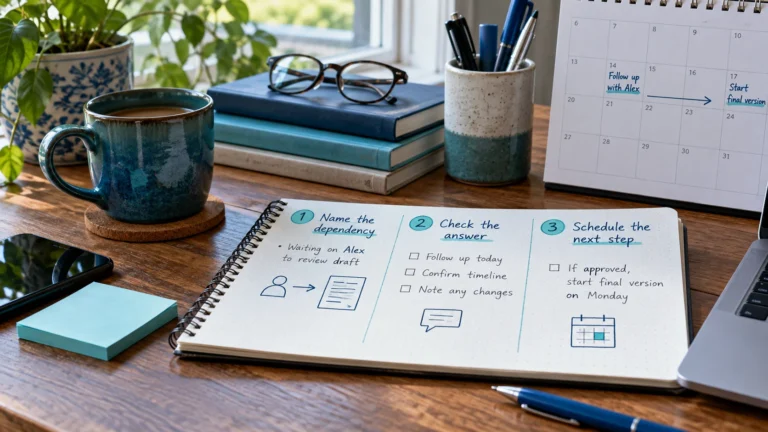
Ask three questions about any large task:
Each answer becomes its own task with its own date and time.
| Instead of one task… | …split into | When |
|---|---|---|
| Prepare reading groups for next week | Prep – choose passages for groups A and B | Thursday planning time |
| Prep – make word cards for Monday | Thursday after school | |
| Prep – copy passages for the week | Friday morning | |
| Prep – sort materials into group folders | Friday afternoon | |
| Prep – check timer and supplies | Monday before first session |
Each piece is small enough to finish in one sitting, and the order is built into the dates.
Splitting helps until the list becomes noise. If two steps always happen together in under five minutes, keep them as one task. Aim for tasks that take roughly five to thirty minutes.
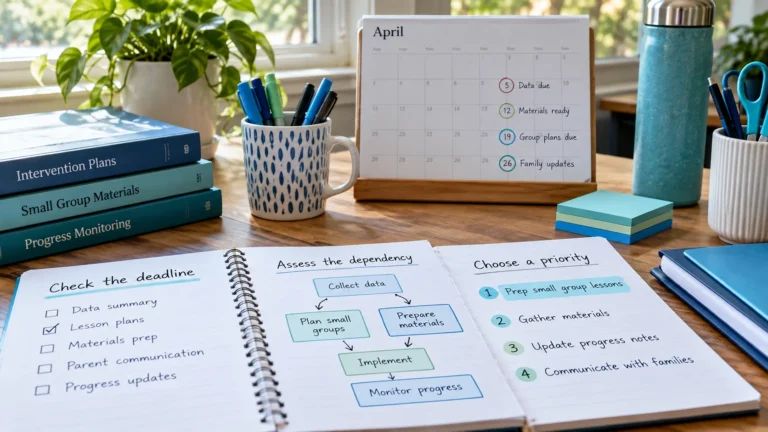
Here’s how three common “someday” tasks turn into a plan you can finish between classes.
The last one is all Low priority. It can wait for a quiet afternoon, and splitting it means a spare 15 minutes is enough to make progress.
| Gap in your day | Good fit |
|---|---|
| 5 minutes between groups | Check supplies, reset a box, confirm a room |
| 15–20 minutes before school | Copying, sorting materials into folders |
| 30–45 minutes of planning time | Choosing passages or skills, making new materials |
Match tasks to the gaps you really have. If your only free time is five-minute gaps, a 40-minute task will never get done until it’s split.
It gets longer, but each item is quick, and ticking them off is satisfying. Use Today to see only what’s due now, and tick each piece off as you finish it.
Repeat the ones that never change, like “Prep – copy passages for group A” the day before each session. Use Repeat when you add it, and the whole round is planned in one step.
Related: intervention task dependencies · prioritizing preparation tasks · session preparation checklist
Add the sessions and prep tasks from this guide to the free RTI Scheduler. No signup needed to start.
Start SchedulingA simple way to decide which intervention prep tasks are High, Medium or Low priority, so materials and follow-ups are ready before each session.
Spot which intervention tasks depend on others, like copies before a session, and schedule them in the right order so one delay does not derail a week.
Free printable weekly intervention schedule template for teachers and interventionists, plus a simple method to plan sessions, prep and follow-up.