How to Find Time for Intervention in the School Day
Six ways schools make time for RTI and MTSS intervention: WIN blocks, staggered times, shorter periods, advisory time and hidden minutes, with real examples.

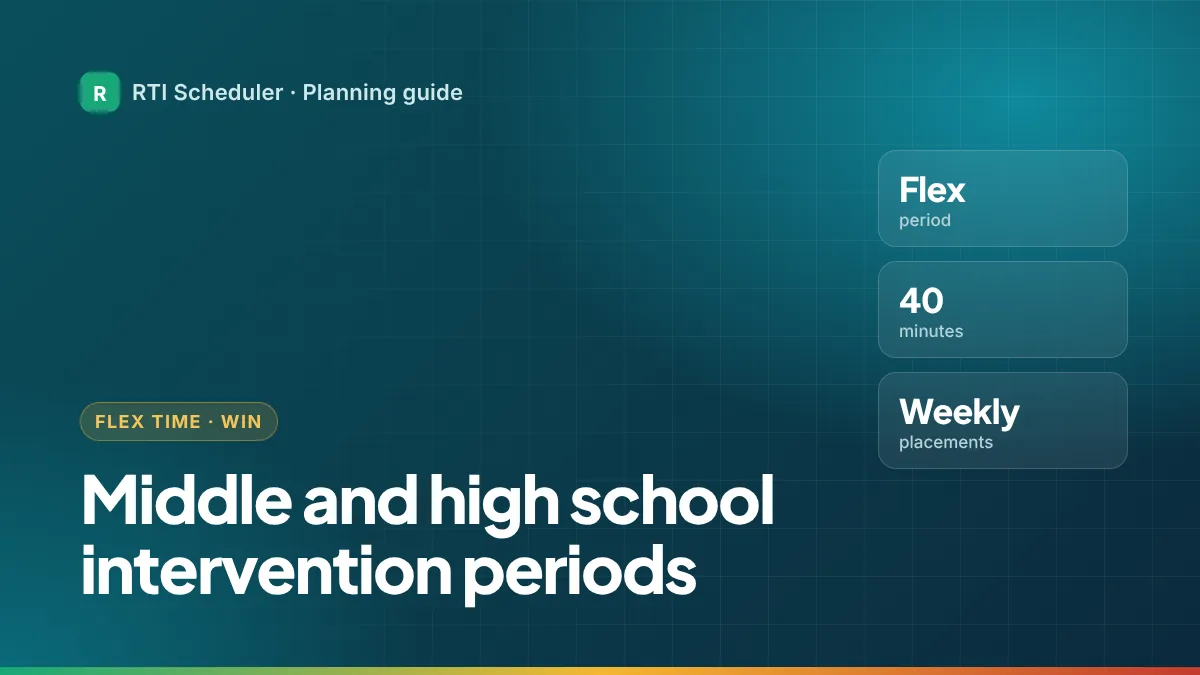
Secondary schools rarely have a spare half hour, so intervention usually needs a period of its own: a flex period, WIN time, advisory or a "power hour". Students go to an intervention session or to enrichment, study hall or clubs. This guide covers the common ways middle and high schools create that period, what goes wrong, and how a teacher or interventionist can plan their part of it.
| Model | How it works | Trade-off |
|---|---|---|
| Shortened periods | Take a few minutes from every class period to build a separate block. | Teachers lose a little time in every class. |
| Advisory or homeroom | Use part of an existing advisory or homeroom block. | Advisory may already have other jobs. |
| Elective swap | Students with the most need take an intervention course instead of an elective. | Can hurt motivation; involve families. |
| Extended day | Add intervention periods inside a longer school day or after school. | Transport, staffing and attendance. |
These options appear in the Center on MTSS schedule tip sheet (PDF). As one real example, the Arizona Department of Education’s Strategies for Scheduling guide (PDF) describes a grades 5–8 school that ran two 40-minute intervention periods a day, four days a week, within an extended day.
Large schools usually manage flex placements in a school-wide system. Your own job is narrower: knowing what you’re teaching each day, what has to be ready, and what to do afterward. A simple weekly pattern for a math teacher running a flex intervention group:
| Day | Task | Priority |
|---|---|---|
| Mon | Prep – pick this week’s skill and print practice sets | High |
| Mon | Flex – Math support group (Room 214) | High |
| Tue | Flex – Math support group (Room 214) | High |
| Wed | Flex – Enrichment: problem-solving club (Room 214) | Medium |
| Thu | Flex – Math support group (Room 214) | High |
| Thu | Follow-up – send placement notes for next week | Medium |
| Fri | Weekly review – what was covered, what moves | Low |
Add the Monday session once and repeat it weekly. Because each week is its own task, a pep rally or test day only changes that one session.
| Problem | Likely fix |
|---|---|
| Same students skip every week | Assigned placement plus attendance in the school system |
| Groups too big to be real intervention | More staff in the period, or fewer topics each week |
| Period gets canceled for events | Pick a day that rarely has assemblies; plan a make-up slot |
| Teachers don’t know who is coming | A fixed day each week when placements are confirmed |
For elementary versions of the same idea, read elementary RTI schedule examples. For the building-level options in more detail, see how to find time for intervention in the school day.
Add the sessions and prep tasks from this guide to the free RTI Scheduler. No signup needed to start.
Start SchedulingSix ways schools make time for RTI and MTSS intervention: WIN blocks, staggered times, shorter periods, advisory time and hidden minutes, with real examples.
Three elementary RTI schedule examples: a staggered WIN block by grade, a small-group rotation in the literacy block, and one interventionist’s full day.
Free printable weekly intervention schedule template for teachers and interventionists, plus a simple method to plan sessions, prep and follow-up.