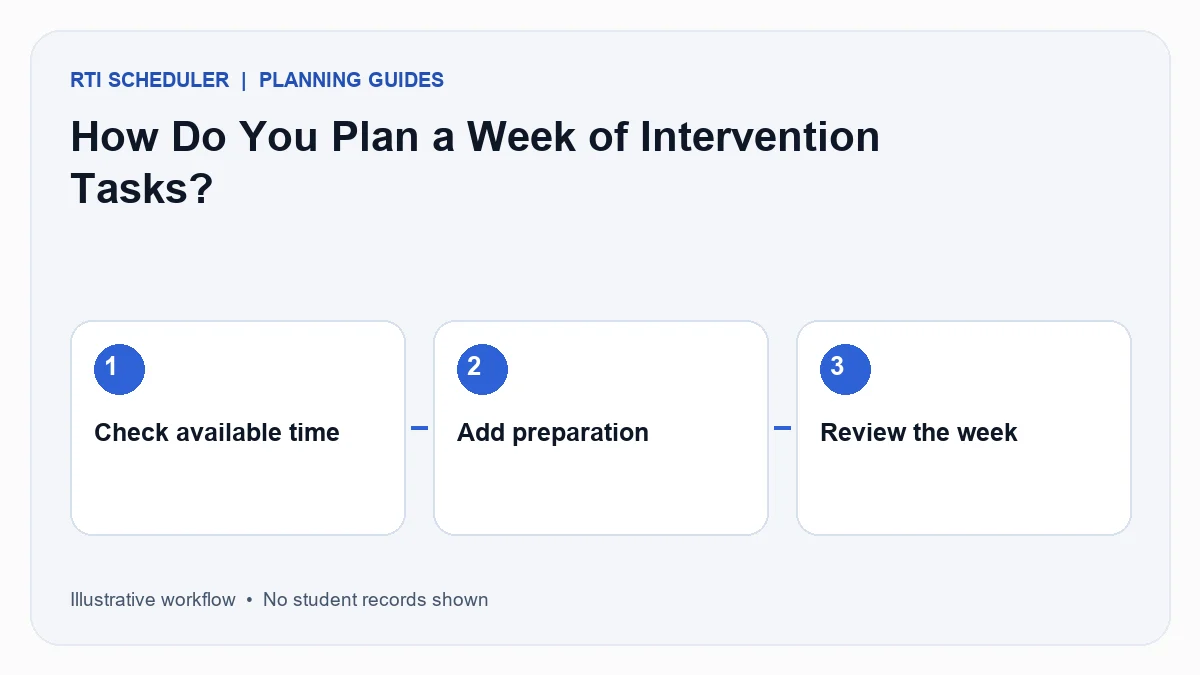
A useful weekly intervention plan starts with the time you actually have. Put fixed commitments on your calendar first, then list the preparation and follow up that must happen around each session. A full task list is not the same as a workable week.
What should you check before adding tasks?
Look at your school calendar, room availability and existing responsibilities. Confirm the instructional schedule with the people who own it. A personal planner cannot reserve a classroom or authorize changes to student services.
Keep three types of work separate: getting materials ready, delivering an agreed session and reviewing what happens next. Give each task an action name. “Prepare fraction cards” is easier to act on than “Math intervention.”
What does a small weekly plan look like?
For an illustrative week, place material preparation on Monday afternoon, an agreed session on Tuesday and a personal planning review on Thursday. These days are examples, not recommended intervention frequencies. Your school’s plan determines the actual sessions.
Leave room for transitions and interruptions. If Tuesday is already full, move a flexible preparation task rather than silently moving instruction. Check that materials will still be ready before the session.
How can you keep the plan useful?
Review tomorrow’s tasks before leaving work. At the end of the week, ask which items were completed, which were postponed and what caused the changes. Adjust the next week using those observations.
Use the personal task planner for your own actions and keep official student records in your school’s approved system. The how it works guide explains the available task fields. Start with a realistic week rather than copying every future commitment into the tool.